小贴士

因为Spicetify插件老是会被更新覆盖掉,每次都要重新下插件,所以改用SpotX-Official/SpotX

1. Spotify下载与使用

最近网易云音乐的会员忘记续费了,但充值活动还没到时间,就想着将就着听会,没想到歌单里蛮多想听的歌听不了,只能试听。

这不能忍,直接在网上找到了Spotify

注册

注册的时候,如果网络有问题,就换到美区代理

导入歌单

先导出歌单,再用这个网站创建歌单

QQ音乐

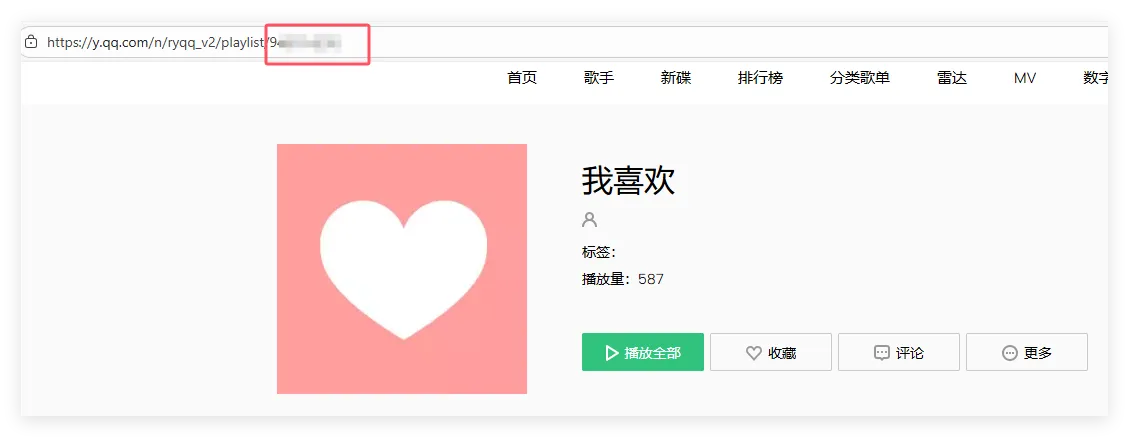
登陆网页端QQ音乐,找到想导出的歌单,复制地址栏的id后,填充到下面
1
https://y.qq.com/musicmac/v6/playlist/detail.html?id=XXX

打开该网页后,打开控制台输入

1
2
3
4
5
6
7
8
9
10
11
12
function getSongList() {
var songList = Array.from(document.querySelectorAll(".songlist__item"));
// 格式:序号. 歌手 - 歌名 - [专辑]
const listText = songList.map((v) =>
parseInt(v.getAttribute("ix")) + 1 + ". " +
v.querySelector(".singer_name").innerText +
" - " + v.querySelector(".mod_songname__name").innerText +
" - [" + v.querySelector(".album_name").innerText + "]"
).reduce((s1, s2) => s1 + "\n" + s2);
console.log(listText);
}
getSongList();

网易云

登陆网页端网易云音乐,找到想导出的歌单,在控制台输入

1
2
3
4
5
6
7
8
9
10
11
12
13
14
15
16
17
18
19
20
function getNetEaseSongList() {
const getCleanText = (parent, selector) => {
const el = parent.querySelector(selector).cloneNode(true);
el.querySelectorAll(".soil").forEach(s => s.remove());
return el.innerText.replace(/\s+/g, ' ').trim();
};

const listText = Array.from(document.querySelectorAll("tbody tr")).map(row => {
const index = row.querySelector(".num").innerText;
const song = getCleanText(row, ".tt b");
const singer = getCleanText(row, "td:nth-child(4) .text");
const album = getCleanText(row, "td:nth-child(5) .text");

return `${index}. ${singer} - ${song} - [${album}]`;
}).join("\n");

console.log(listText);
}

getNetEaseSongList();

2. Spicetify使用

Spicetify可以对Spotify进行拓展,可以安装插件、更换主题等等

有两种下载办法

插件下载

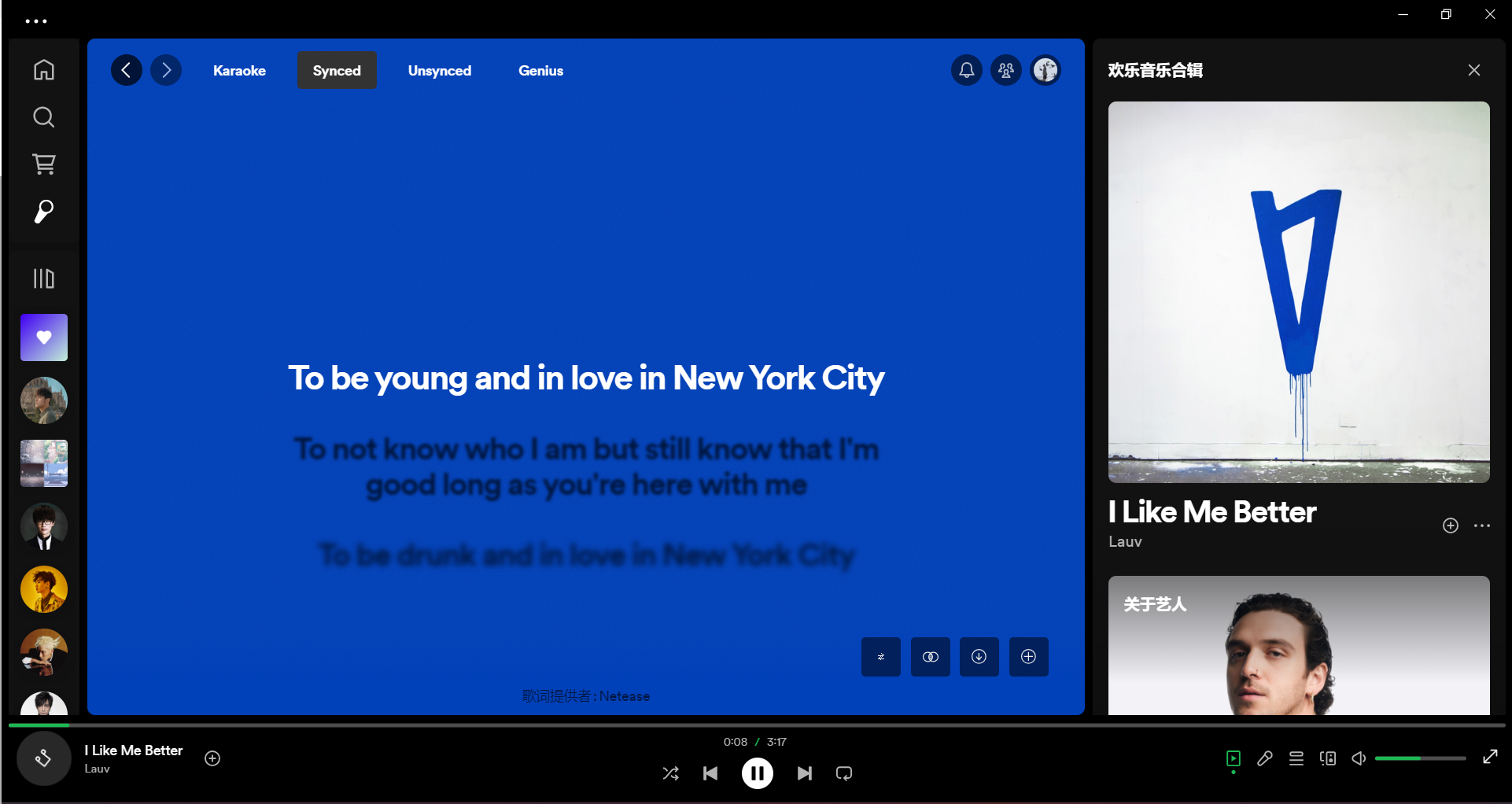
歌词,将指令复制到PowerShell即可

1
2
Spicetify config custom_apps lyrics-plus
Spicetify apply

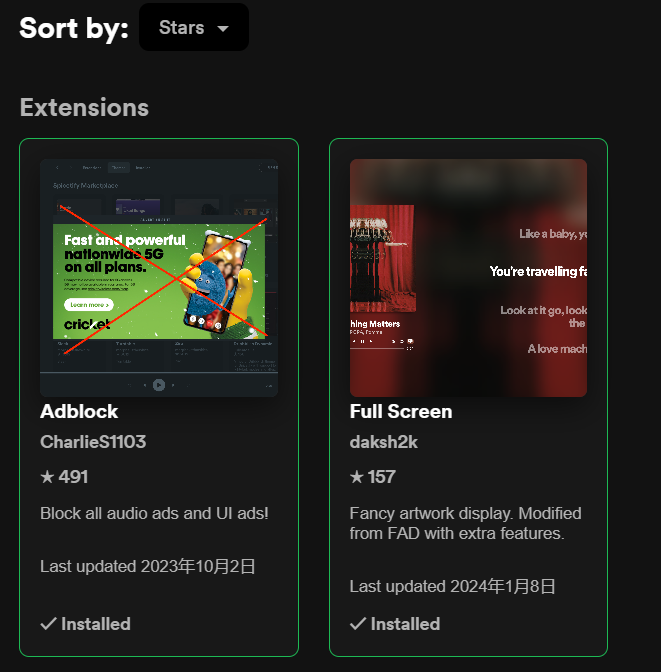
去广告,点击marketplace,搜索Adblock,下载即可

全屏,点击marketplace,搜索Full Screen,下载即可